

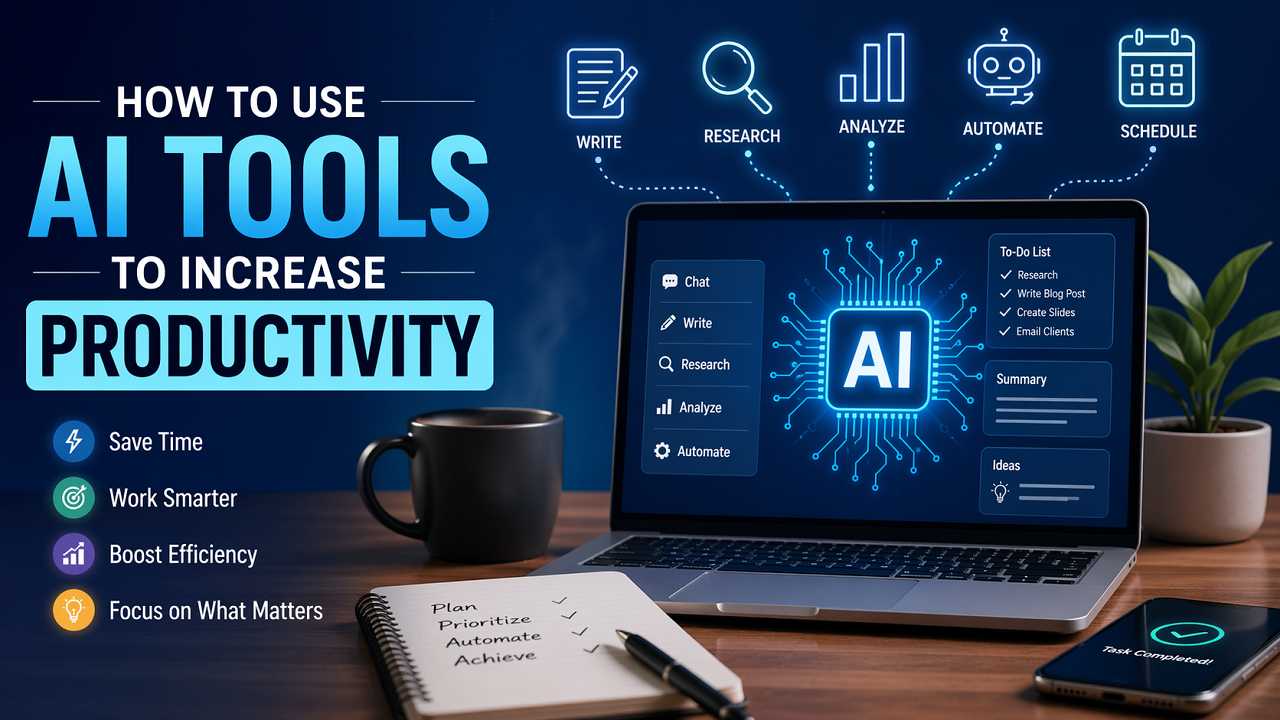
Artificial Intelligence (AI) has rapidly evolved from a futuristic concept into a practical, everyday tool that can significantly boost productivity across industries and personal workflows. Whether you’re a student, entrepreneur, content creator, or corporate professional, AI tools can help you work smarter, save time, and focus on higher-value tasks.
Boost your productivity by leveraging AI tools to automate repetitive tasks, enhance writing and research, and streamline daily workflows. This guide shows how to work smarter, save time, and focus on what truly matters by integrating AI into your routine.
1. Understanding AI as a Productivity Partner
Before diving into tools, it’s important to shift your mindset: AI is not here to replace you—it’s here to augment your capabilities. Think of AI as a digital assistant that can handle repetitive, time-consuming, or data-heavy tasks.
Key Benefits:
- Speed: Complete tasks in seconds that would take hours manually
- Consistency: Reduce human error in repetitive processes
- Scalability: Handle large volumes of work effortlessly
- Creativity Boost: Generate ideas and overcome mental blocks

2. Automating Repetitive Tasks
One of the most immediate productivity gains comes from automating routine tasks.
Examples:
- Email sorting and auto-responses
- Data entry and spreadsheet updates
- Scheduling meetings
- File organization
How to Implement:
- Use AI-powered automation platforms to connect apps and workflows
- Set triggers (e.g., “when I receive an email, categorize it automatically”)
- Build simple workflows that reduce manual input
Result:
You free up mental energy and time for strategic or creative work.
3. Enhancing Writing and Content Creation
AI tools are especially powerful for writing, editing, and brainstorming.
Use Cases:
- Drafting blog posts, emails, and reports
- Generating content ideas or outlines
- Rewriting or summarizing text
- Grammar and tone improvement
Best Practices:
- Start with a clear prompt or objective
- Use AI-generated drafts as a starting point, not the final product
- Edit for authenticity, voice, and accuracy
Pro Tip:
Combine AI speed with human creativity—this hybrid approach yields the best results.
4. Improving Research and Learning
AI can dramatically reduce the time spent gathering and understanding information.
Applications:
- Summarizing long articles or documents
- Explaining complex topics in simple terms
- Generating study guides or flashcards
- Answering questions instantly
Strategy:
- Ask specific, focused questions
- Cross-check important information for accuracy
- Use AI as a guide, not a sole authority
5. Streamlining Communication
Communication is often a hidden time drain. AI can make it faster and more effective.
Ways AI Helps:
- Drafting professional emails
- Translating messages across languages
- Summarizing meetings or conversations
- Creating presentation scripts
Impact:
You communicate more clearly and spend less time rewriting or organizing your thoughts.
6. Boosting Decision-Making
AI tools can analyze data and provide insights that support better decisions.
Examples:
- Sales forecasting
- Customer behavior analysis
- Performance tracking
- Trend identification
How to Use:
- Feed AI tools with relevant, clean data
- Use outputs as guidance—not absolute truth
- Combine insights with human judgment and context

7. Managing Time and Tasks More Effectively
AI-powered productivity tools can help you stay organized and focused.
Features to Look For:
- Smart task prioritization
- Automated reminders
- Calendar optimization
- Focus and time-tracking insights
Workflow Tip:
Use AI to plan your day based on priorities and deadlines, then adjust dynamically as things change.
8. Personalizing Workflows
AI can adapt to your habits and preferences over time, making your workflow more efficient.
Examples:
- Smart suggestions based on past behavior
- Personalized recommendations
- Adaptive learning systems
Benefit:
The more you use AI tools, the more tailored and effective they become.
9. Avoiding Common Pitfalls
While AI is powerful, misuse can reduce productivity instead of enhancing it.
Watch Out For:
- Over-reliance on AI outputs without verification
- Poor prompts leading to low-quality results
- Using too many tools at once (tool overload)
- Ignoring privacy and data security concerns
Solution:
Start simple, learn gradually, and build a system that works for you.
10. Building an AI-First Productivity System
To truly maximize productivity, integrate AI into your daily routine.
Step-by-Step Approach:
- Identify time-consuming tasks
- Choose 1–2 AI tools to start with
- Automate or optimize those tasks
- Measure time saved and effectiveness
- Expand gradually to other areas
Goal:
Create a seamless workflow where AI handles the “busy work” and you focus on meaningful output.

Conclusion
AI is no longer optional for those looking to stay competitive and efficient—it’s a necessity. By leveraging AI tools strategically, you can reduce workload, enhance creativity, and make better decisions faster. The key is not just using AI, but using it intentionally.
Start small, experiment often, and refine your approach. Over time, you’ll build a powerful productivity system that transforms how you work.
Final Thought
Productivity isn’t about doing more—it’s about doing what matters most. AI helps you get there faster.